

Anniversary and remembrance slideshows
An anniversary or remembrance slideshow gives family and friends a gentle way to look back together. We create these videos from photos, short clips and a few meaningful words, for viewing at home, at a gathering or shared with relatives far away.
What this slideshow is
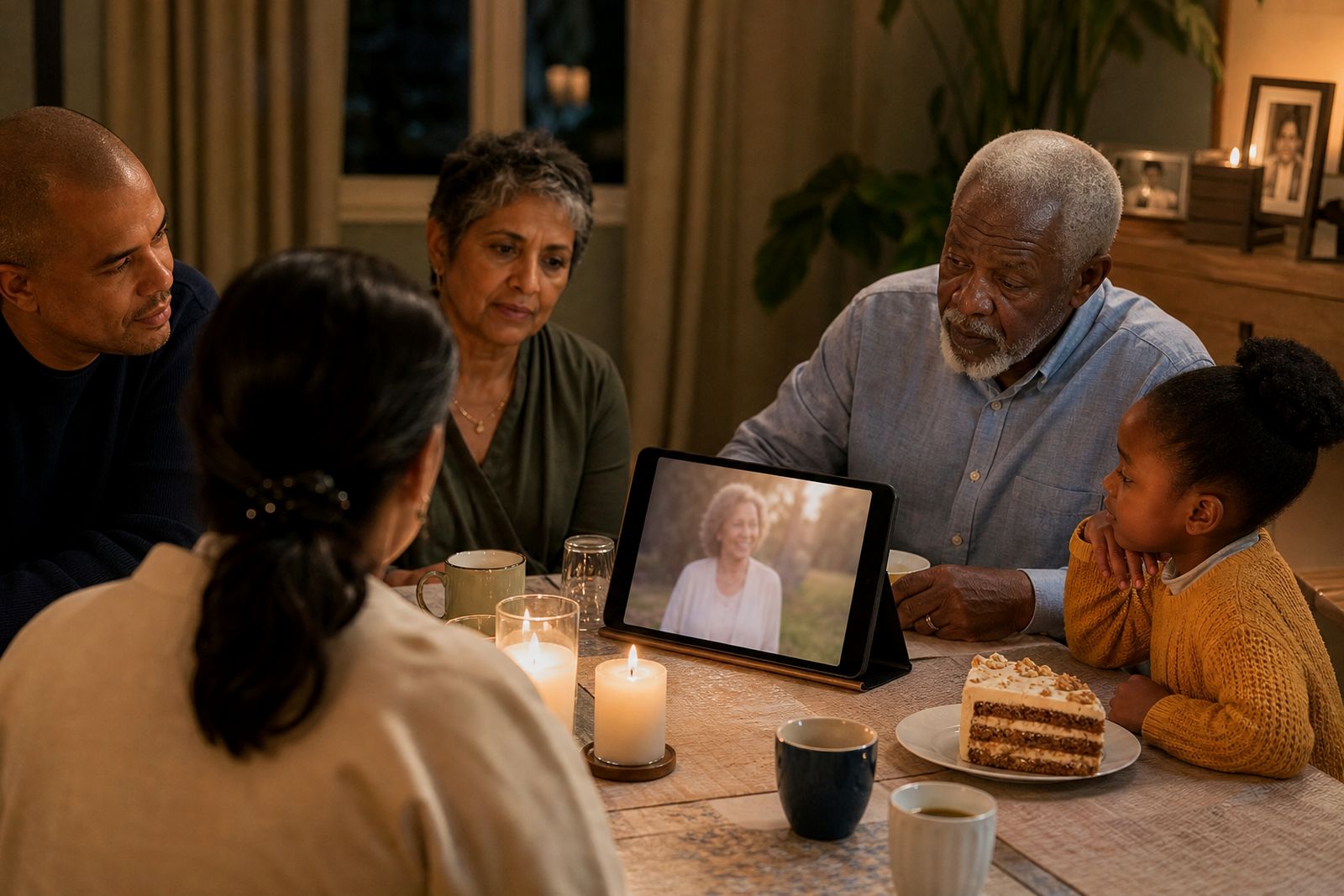
Our anniversary and remembrance slideshows are made for the moments after the funeral, when families want to remember a loved one again in a calmer setting. That may be a year on, a special birthday, a wedding anniversary, a family reunion or a small remembrance evening at home. We arrange your photos in a natural sequence, add gentle titles if you want them, include licensed music, and bring in short home video clips where they fit well.
This is not a formal funeral tribute with service details or an order of proceedings. It is usually more reflective and can focus on a theme, such as childhood, family holidays, a long marriage, grandchildren, a favourite place, or simple everyday moments. Some families prefer very few words. Others ask for short captions, dates, or a closing message. We will guide the tone carefully so it feels personal and respectful.
- Suitable for anniversaries of passing, birthdays after loss, remembrance days and family gatherings.
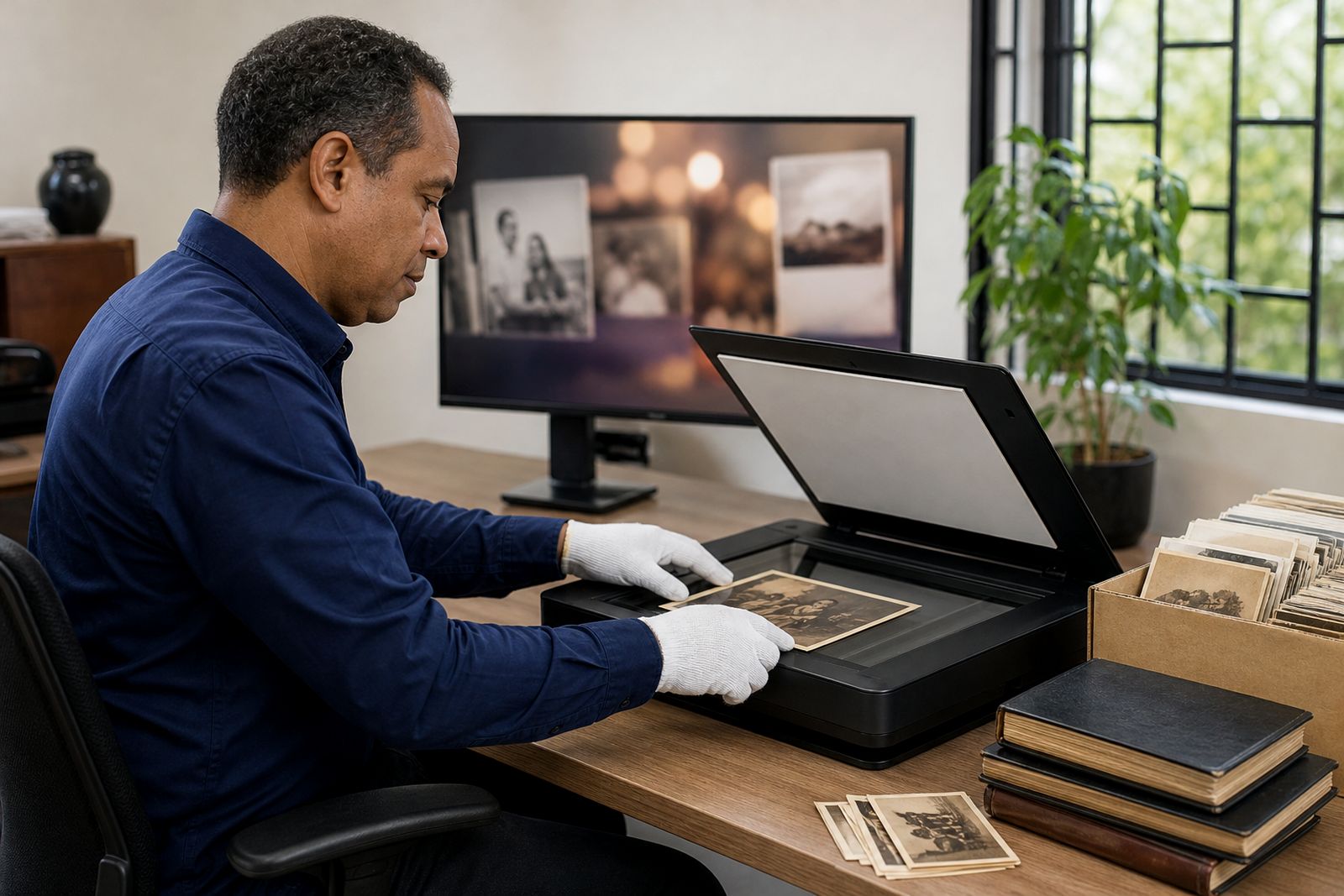
- Can be created from printed photos, album pages, digital images and short home video clips.
- Delivered as a digital video file, with a USB keepsake available if needed.
Common formats, lengths and working limits
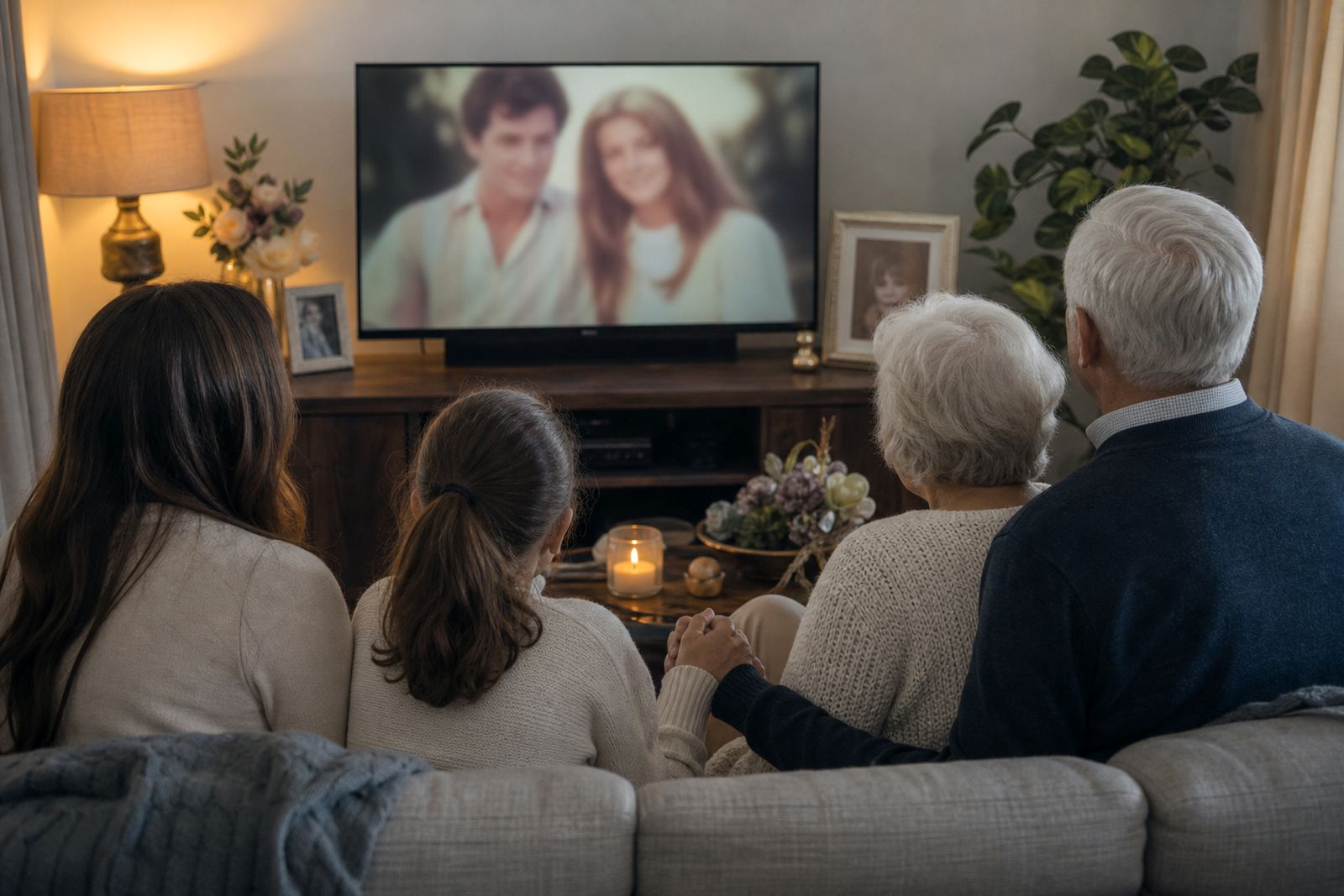
Most families choose a slideshow that plays well on a television at home, a hall screen, or a computer for sharing with relatives. We generally prepare these in a wide screen format because it suits most modern displays. If your gathering will use an older screen or a portrait display area, tell us when you enquire so we can advise on the best layout.
There is no single right length. A shorter slideshow often works well for a quiet family moment, while a longer one may suit a reunion where people can watch and talk together. The best result usually comes from choosing clear, meaningful material rather than trying to include every photo ever taken. If you send a very large collection, we may suggest grouping it by life stage or family branch so the video stays easy to watch.
- Preferred display shape: 16:9 wide screen.
- Alternative layouts can be discussed for older screens or portrait displays.
- Photos work best when faces are reasonably clear and not photographed through glass.
- Very blurry, very dark or heavily damaged pictures may have limited restoration potential.
- Short home video clips can be included where sound and picture quality allow.
- Long, shaky or low resolution clips may need trimming or may be better left out.
Where it suits best, and where it may not
These slideshows suit family homes, church halls, retirement villages, community venues and private remembrance gatherings. They also work well when one part of the family meets in Durbanville or Cape Town while relatives in other towns watch the file later. For reunions, a slideshow can play once as a shared viewing moment or loop quietly in the background before a meal, depending on the venue and the mood you want.
It may not be the right choice if you need live filming of a remembrance service, a large public event production, or a video that must be edited on site while guests are arriving. We also do not arrange the event itself, provide screens or sound systems, or manage venue technicians. Our role is to prepare the slideshow carefully so your family has a finished video ready to use.
- Works well for homes, halls, church venues and family function spaces.
- Helpful when relatives are spread across South Africa and cannot all attend together.
- Not suitable for live streaming, live filming or full event coordination.
- Not intended as grief counselling or funeral planning support.
What the venue or home setup needs
The slideshow itself is straightforward, but the viewing setup matters more than many families expect. Before the day, confirm what screen will be used and how the video will be played. Some venues have a television with a USB port, some use a computer and projector, and some require the file to be loaded in advance by their own operator. We can supply the video in a commonly usable format, but the venue should confirm what they accept.
Sound should also be checked beforehand especially in a larger hall. A video that sounds fine in a lounge may be too soft in a big room. If load-shedding could affect the gathering, it is wise to ask the venue about backup power or to have a charged device ready. Testing the file on the actual screen before guests arrive can prevent unnecessary stress.
- Confirm the screen type, playback device and available connections.
- Test picture size, sound level and file compatibility before the event.
- Ask the venue whether they need the file in advance.
- Plan for backup power where load-shedding is a risk.
Care for photos, originals and the final files
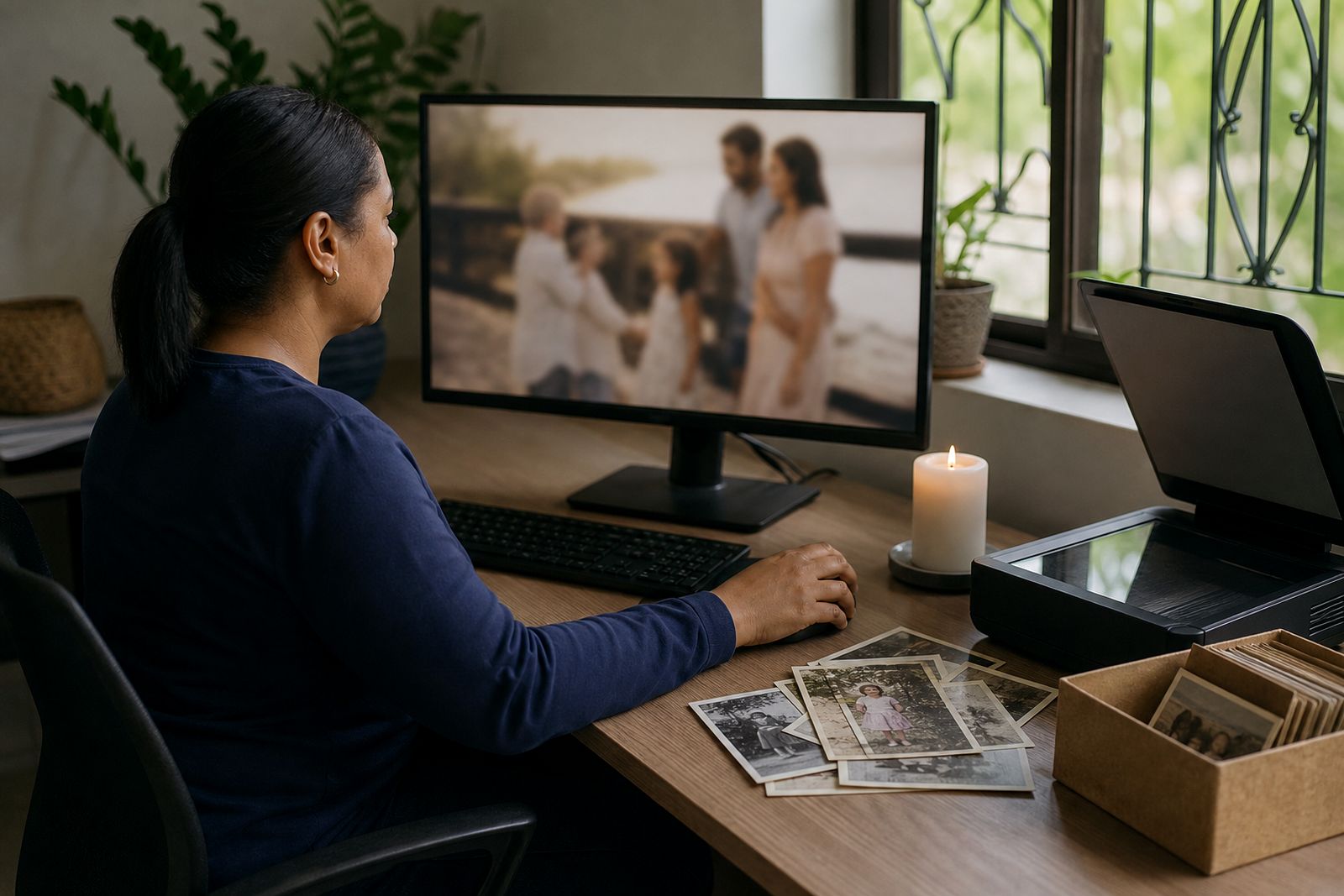
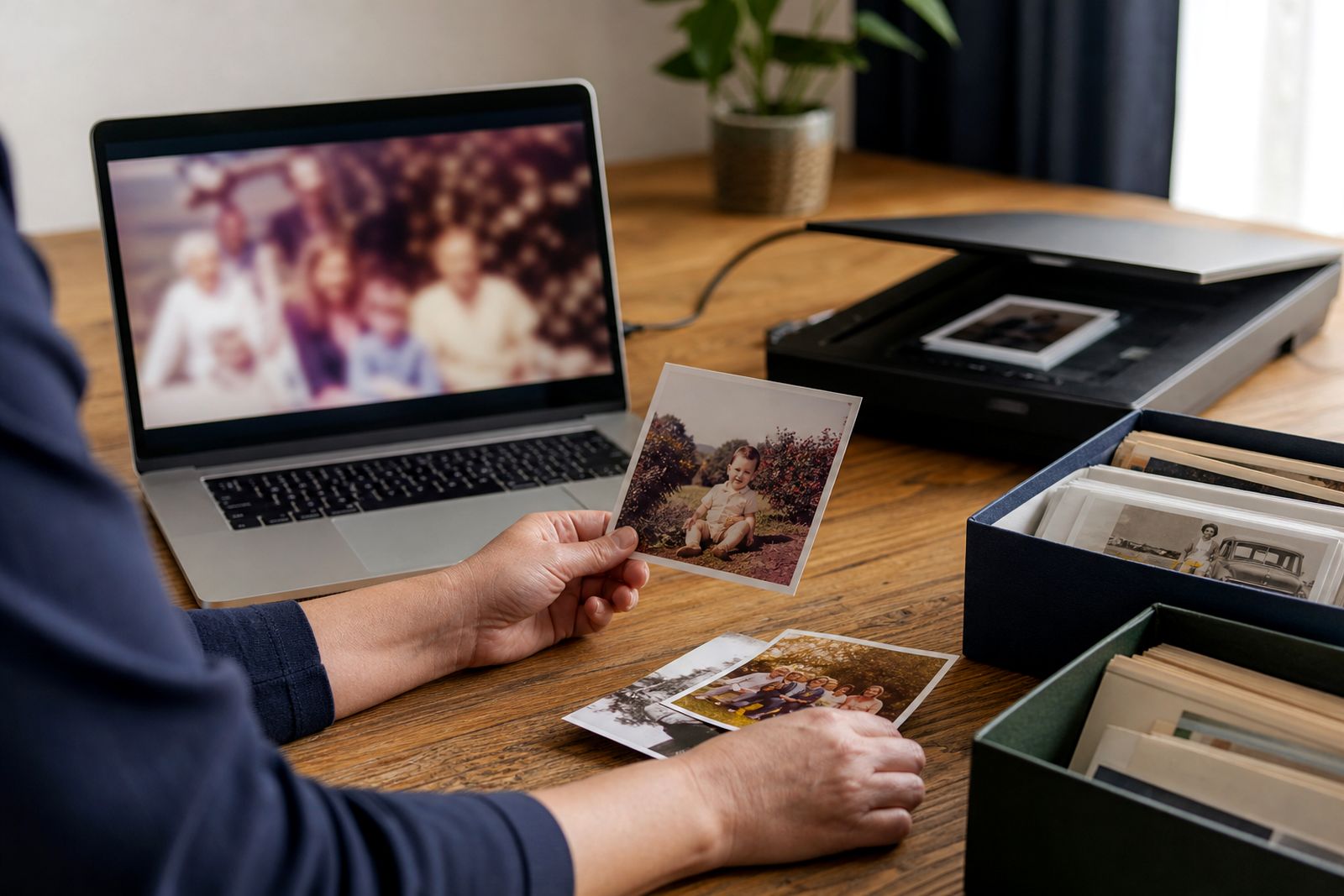
If you are bringing printed photos to us in Durbanville, keep them flat and separated in envelopes or simple sleeves rather than packed tightly in a box. Old album pages should be handled gently, especially where pictures are lifting or paper is brittle. If you are sending images online, avoid repeated screenshots if the original scan or photo is available, because every extra save can lower quality a bit.
Once the slideshow is complete, keep more than one copy of the final file if possible. A USB keepsake is useful for easy viewing, but it should not be your only copy. Save the file on another device as well, and if a family member overseas wants it, share the final version rather than a compressed resend. Printed photos should be returned to a cool dry place away from direct sun and coastal humidity where possible.
What to tell us when you enquire
When you contact us through the enquiry form, a few practical details will help us guide you properly. If the gathering is in Cape Town, Durbanville, or elsewhere in South Africa, we can suggest the most suitable delivery approach based on whether you are collecting, dropping off materials in person or sending them online. You do not need to have everything perfectly organised before getting in touch.
Please tell us the occasion, the general tone you want, and how the slideshow will be shown. If there are certain family relationships that should be reflected carefully, mention that too. A simple note such as "please include both sides of the family evenly" can be very helpful.
- The type of remembrance, such as anniversary, birthday, reunion or quiet family viewing.
- Whether your materials are printed photos, digital images, album pages or home video clips.
- The approximate number of items you would like included.
- Whether you need scanning, photo restoration or both.
- How the slideshow will be played, such as on a TV, projector or computer.
- Any wording for opening titles, dates, a closing message or names of family groups.
What our Memorial Tribute Videos customers say
Verified Google reviews
Questions we get asked
Can you use a mix of old printed photos and newer phone pictures?
Yes. We can combine scanned prints, album images and digital photos in one slideshow, and we can advise if some images may need light restoration or cropping to look their best.
Can the slideshow be shown at a family reunion and then shared afterwards?
Yes. Many families use the slideshow at a gathering first and then keep the final file for relatives who want to watch again later from other parts of South Africa.
Do you provide the screen, projector or sound at the venue?
No. We prepare the finished slideshow, but the venue or family will need to arrange the screen, playback device and sound setup and test them before the event.
Also worth a look
Tell us about the job
Send sizes, materials and where you are through our contact form, and we will come back with the practical options.
Open the contact form